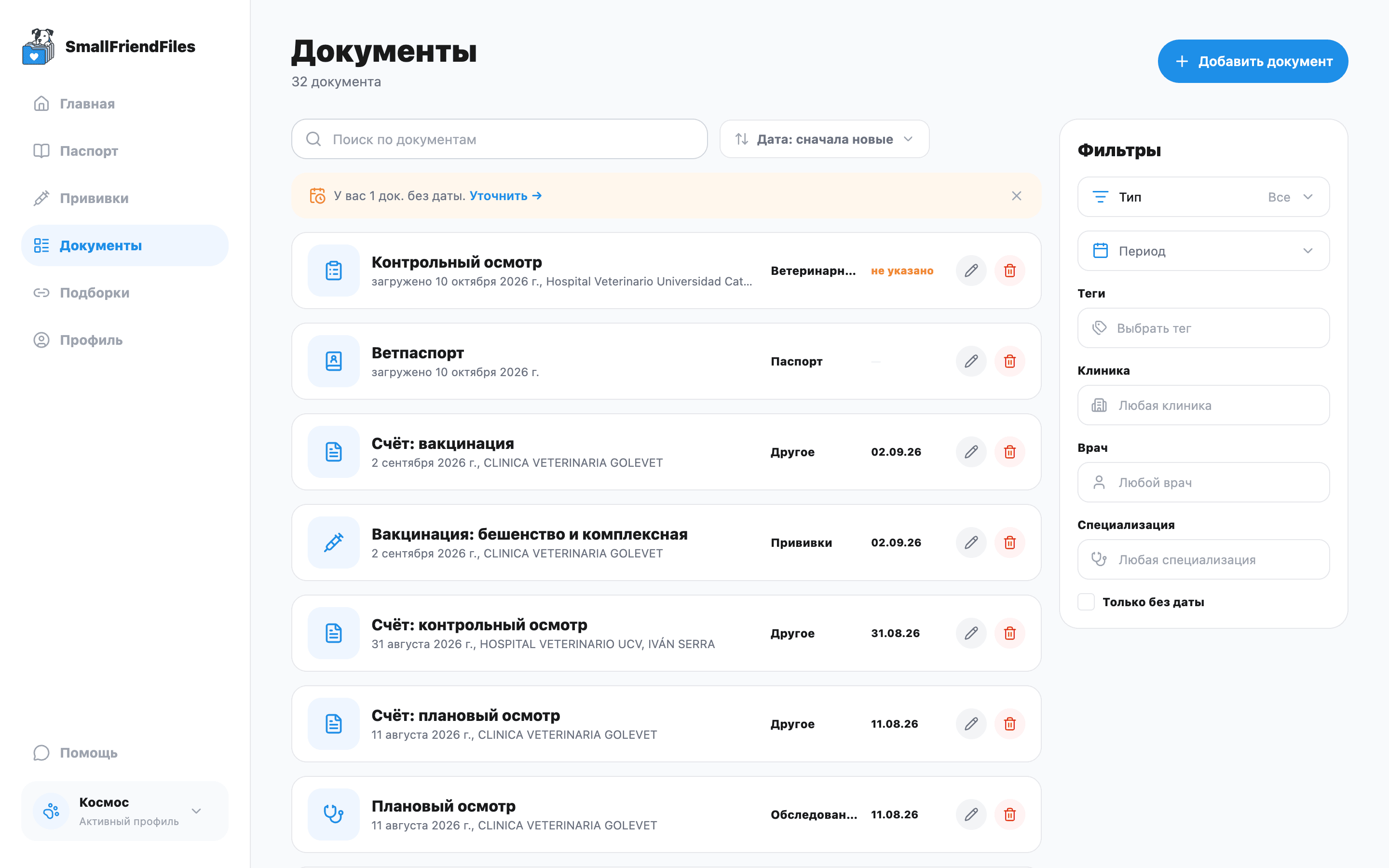
A digital copy of a pet passport helps you find the microchip number, vaccination entries and relevant page on your phone. A personal medical file adds search and structured details. Neither a photo nor SmallFriendFiles issues an official passport or replaces the documents required for a particular journey.
Three ways to work with passport information
| Option | What it provides | Its boundary |
|---|---|---|
| Photos of pages | Quick access to an image of the original | You search for the entry yourself |
| Personal digital medical file | Fields, search and links to source documents | An organisation tool for the owner |
| Issued passport or certificate | A document for the relevant official procedure | Issued by an authorised professional; applicable rules determine its use |
These tools serve different purposes. Keep the issued document and check the requirements of the organisation asking to see it. A convenient copy does not make the original unnecessary.
What to check when digitising
Photograph the identification and relevant record pages in full. After recognition, compare the microchip number, pet details and dates with the original. If a digit is unreadable, do not replace it with a likely-looking number: ask the clinic to clarify.
SmallFriendFiles collects passport details from uploaded sources. Check which document supplied a value, particularly when several passport files exist. Storing a microchip number is not registration in a government or microchip database.
If pages disagree, keep both sources and ask which record applies. Do not select whichever version is easier to use. The document photography guide helps prevent some recognition problems before upload.
For travel, check the route
An official European pet passport for travel within the EU is issued by an authorised vet; see Your Europe. Do not assume those rules apply to every species or route into the EU.
For journeys from Great Britain, consult the separate GOV.UK guidance.
In Ukraine, “electronic veterinary passport” also refers to the state register’s service, explained on the register’s official portal. SmallFriendFiles does not register animals there or issue a document through Diia.
These links are a starting point, not a universal travel clearance checklist. Check current requirements for the departure country, destination and carrier before a journey. In the US or another non-EU country, use the relevant authority for that route rather than treating an EU passport as the default document.
Build a useful personal record
Start with the passport and one relevant document. Review the extracted facts and keep the original available. Add later documents to the same pet’s history.
For a vaccination entry, retain the source page as well as the date. The vaccination records guide explains how to separate entries. To connect identification with reports and tests, use the document organisation checklist.
Official links checked on 13 October 2026. Recheck the requirements before your specific trip.