Your pet's digital medical file
Your pet's medical history — organised and always at hand
Snap a photo of the pet passport and upload lab results, vet reports and certificates. SmallFriendFiles sorts through the documents: it keeps the originals, pulls out the key details and writes a short summary. All that's left for you is to check the result.
Find what you need in seconds, and easily pass the originals you choose to a vet, an insurance company or another specialist.
Free open beta · no credit card needed

Works in the browser. On your phone, you can add an icon to the home screen.
See it in action
One medical file — on your computer and your phone
The same documents and data in the browser and on your phone. Swipe through the screens.The same documents and data in the browser and on your phone — nothing to install. Swipe through the main screens.
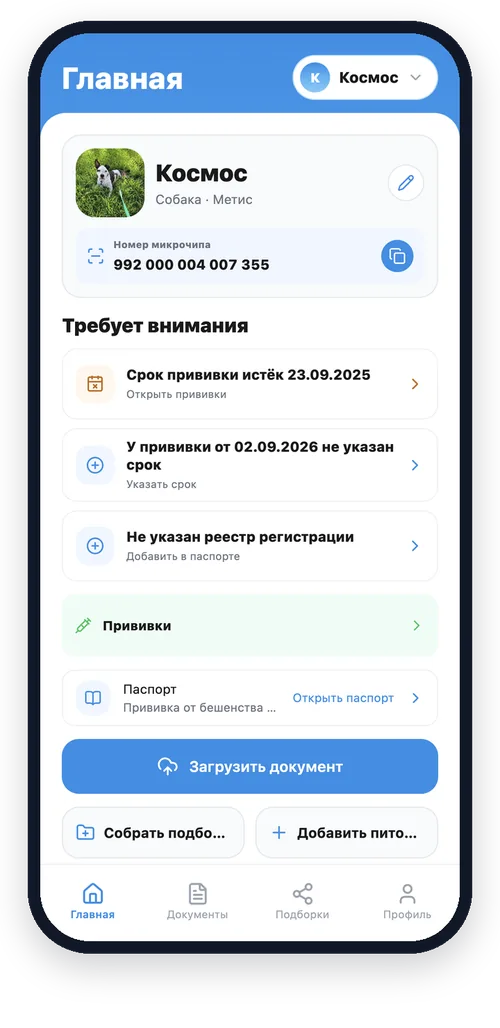
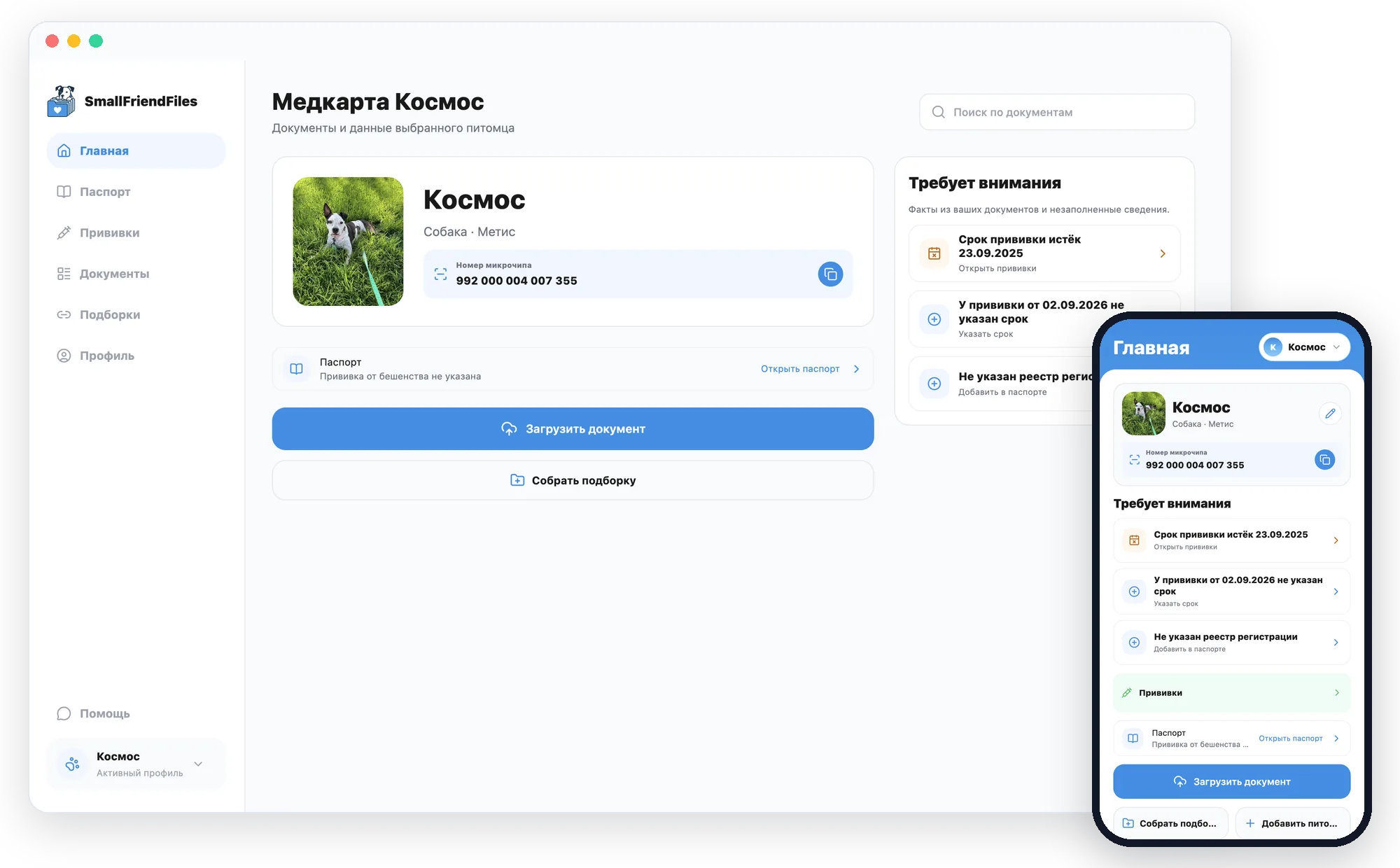
Home — your pet, microchip number and what needs attention
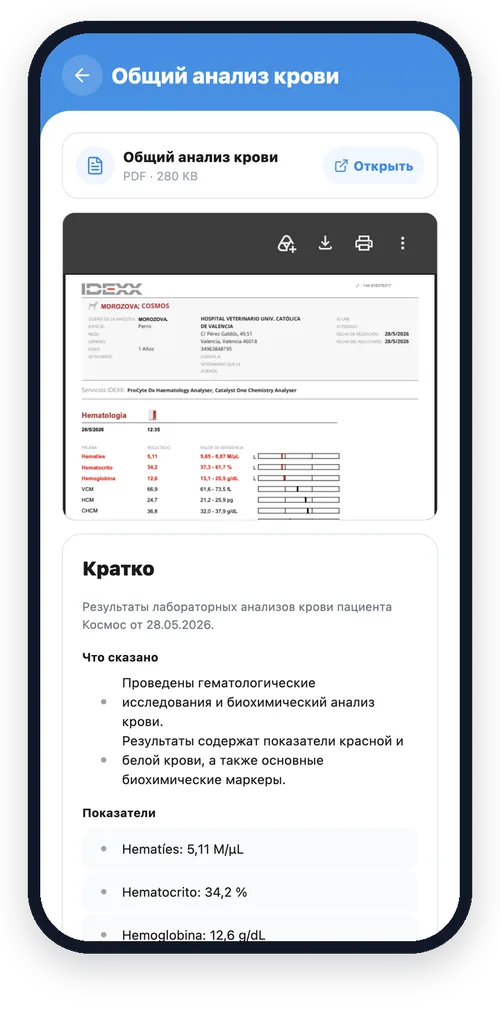
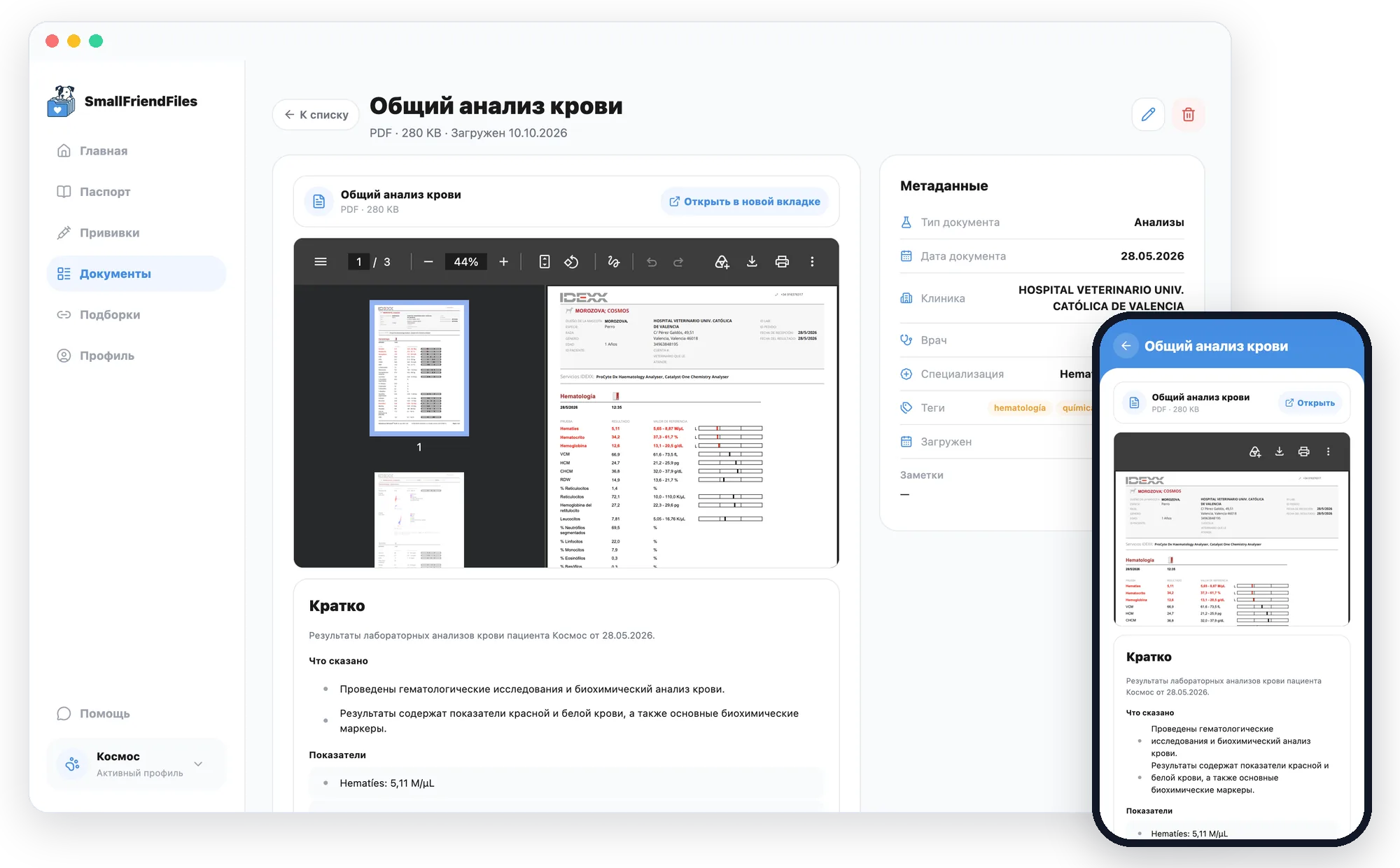
Document — the original next to a short summary
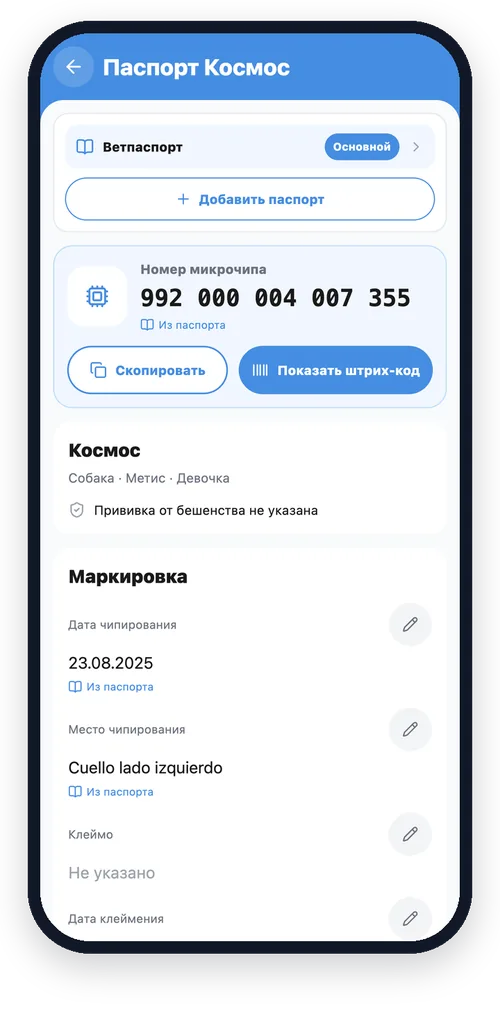
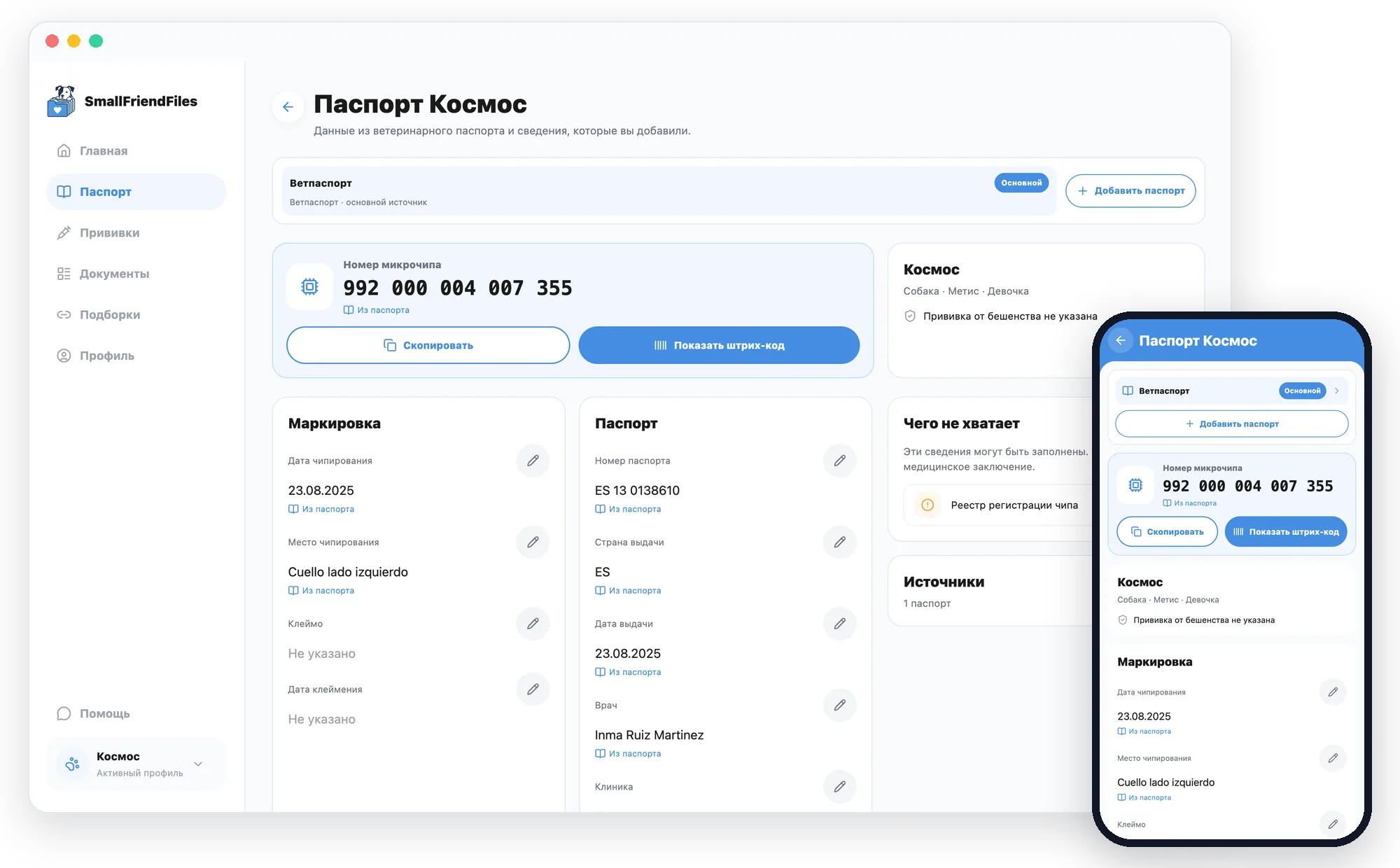
Passport — microchip, dates and the source of every value
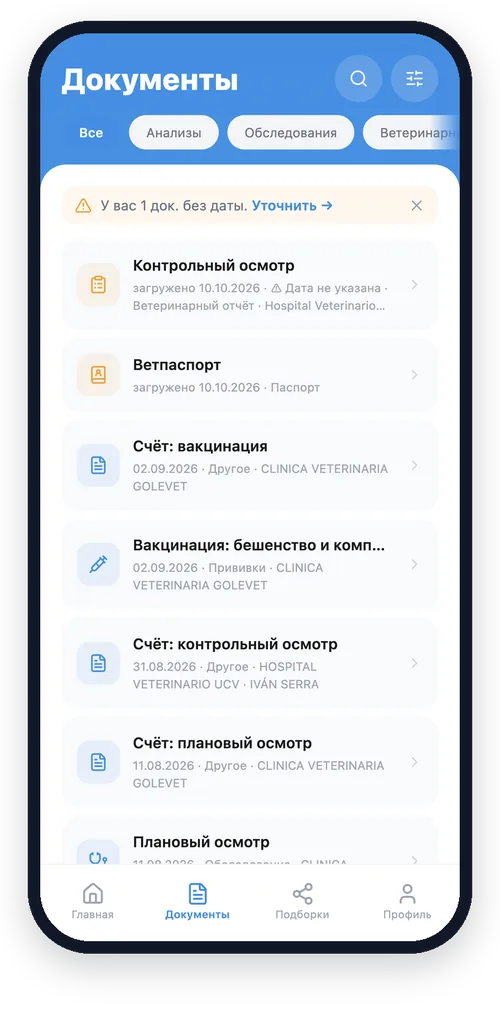
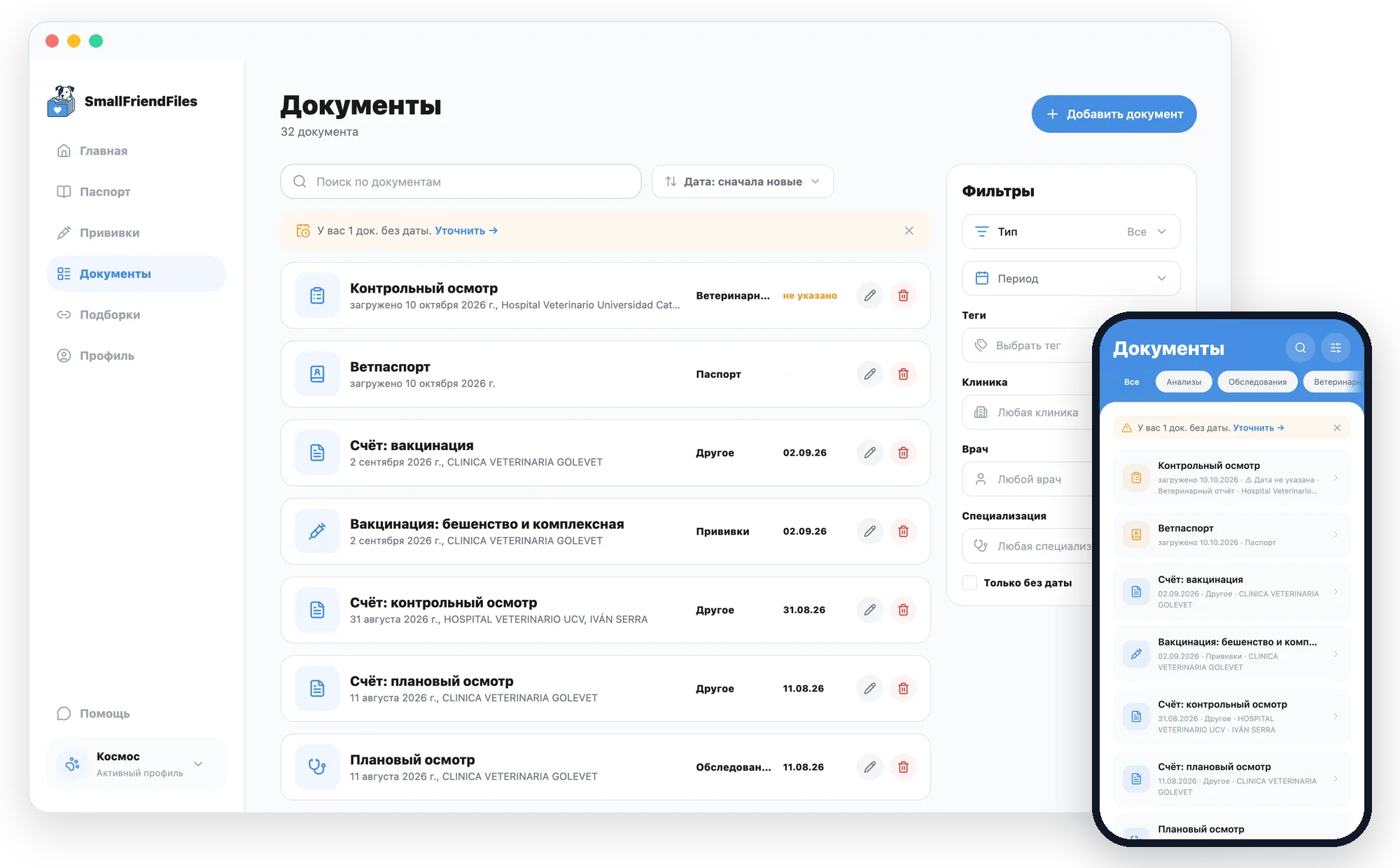
Documents — search and filters across the whole archive
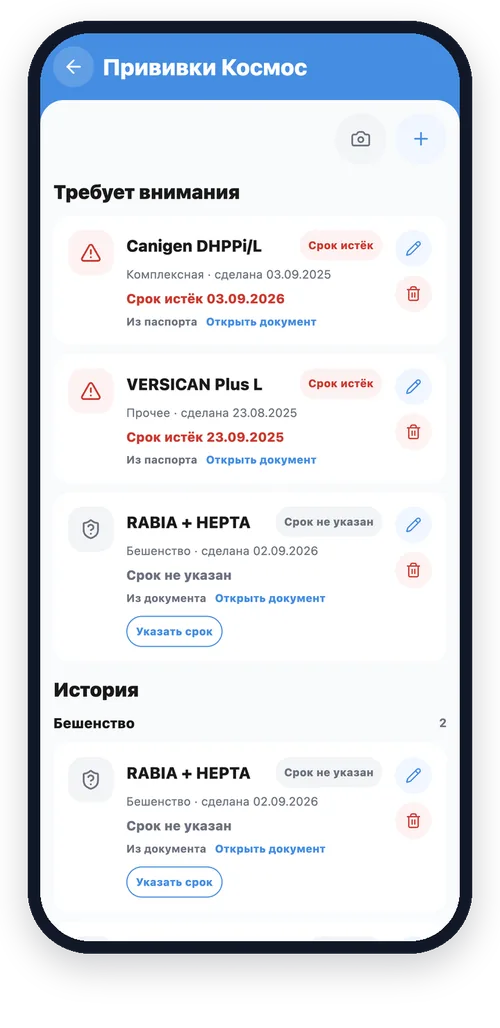
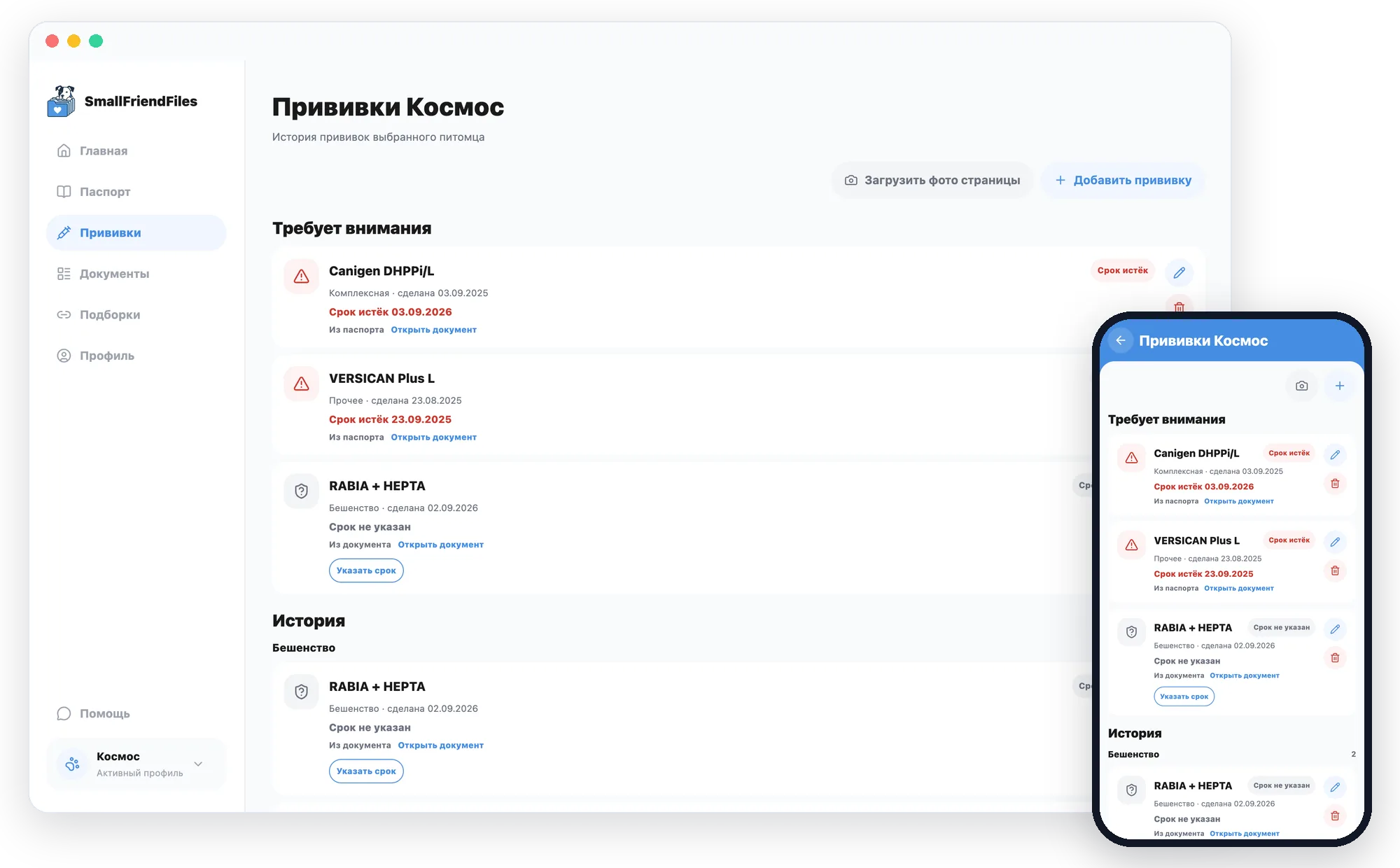
Vaccinations — statuses and due dates from your documents
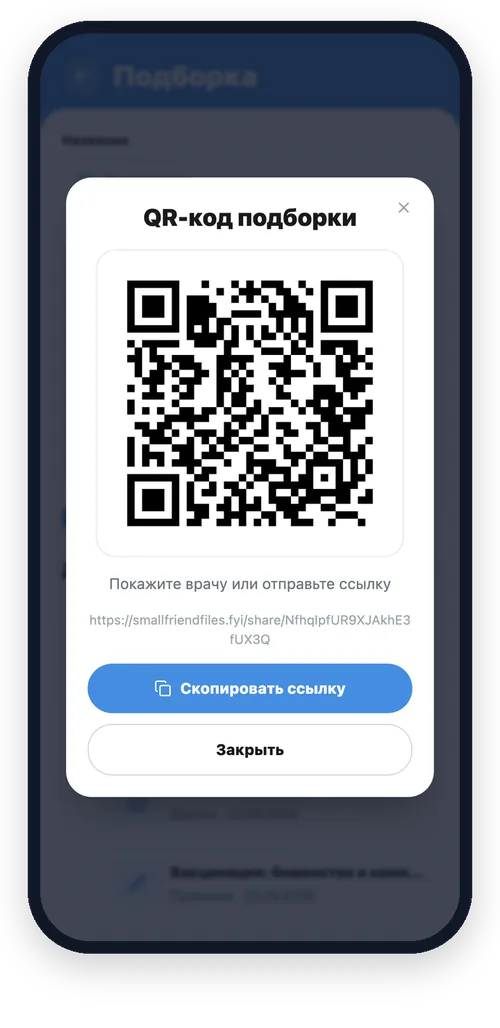
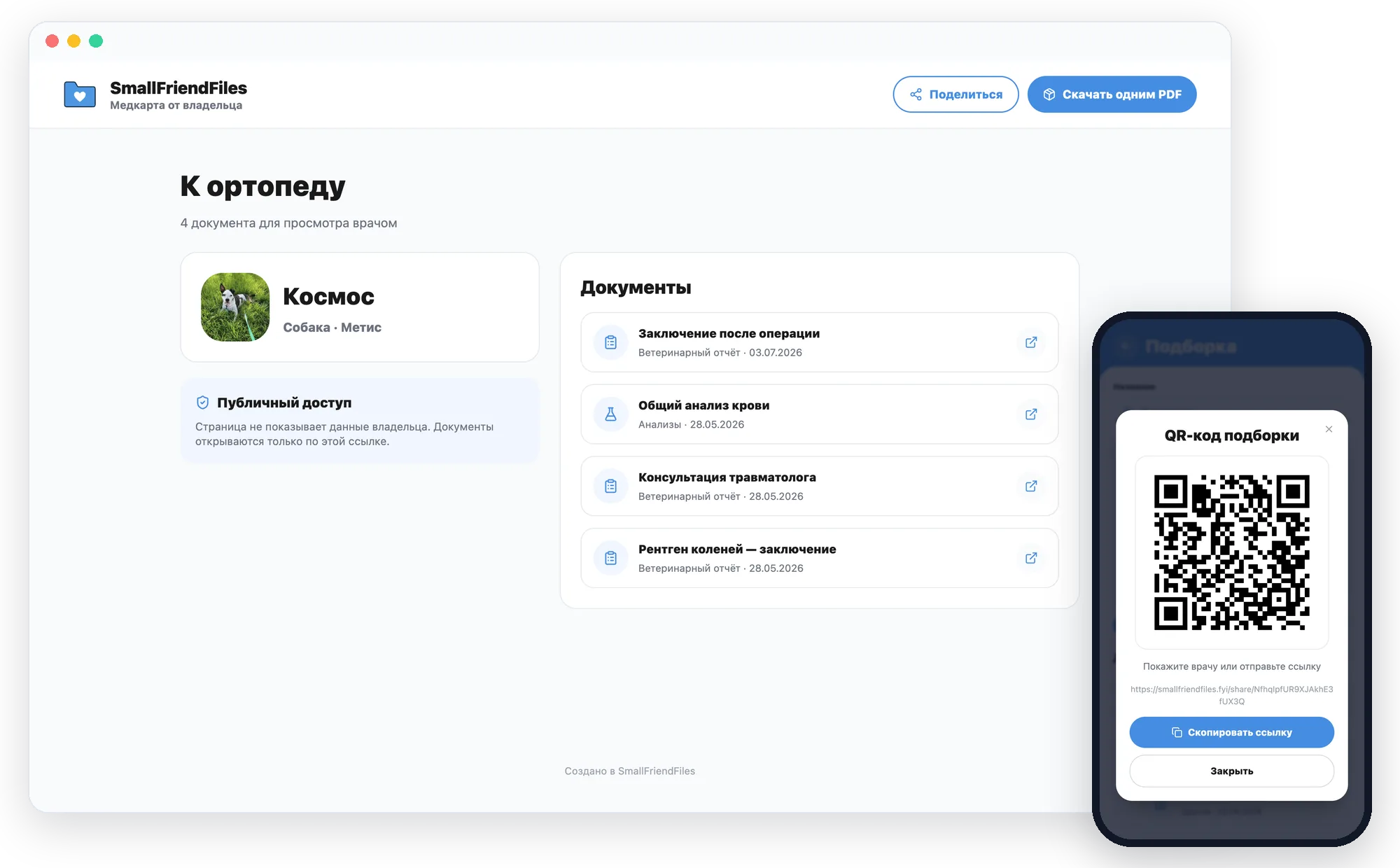
Pack — a link and QR code for the vet
Three key features
SmallFriendFiles organises your documents for you
Add files as they are. SmallFriendFiles turns them into a clear history for each pet and keeps the originals ready to search, check and share.
The routine work is already done
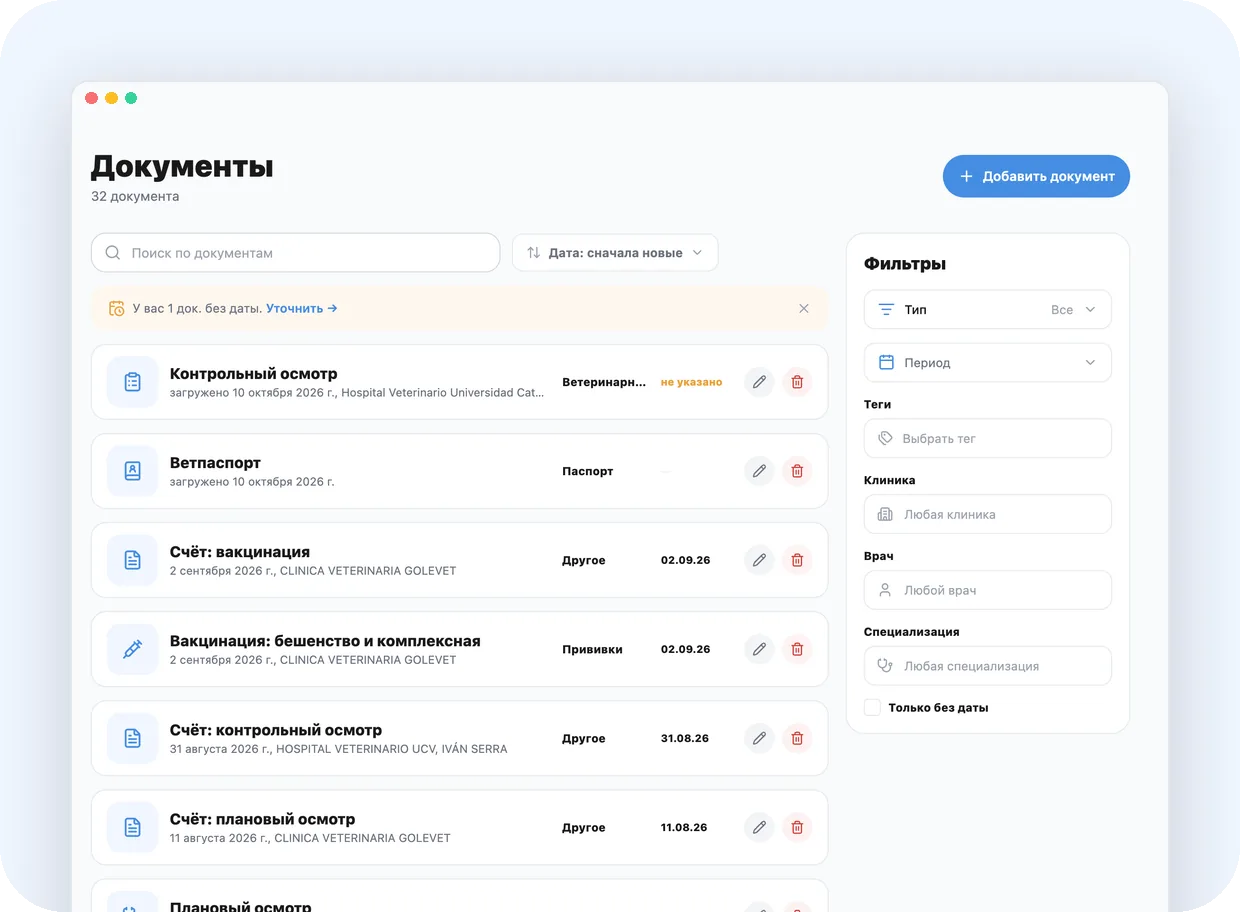
01. Your history, collected and easy to find
Passport, lab results, prescriptions, vet reports and certificates live in one archive. Search and filters help you find what you need by document type, date, clinic, vet or tag.
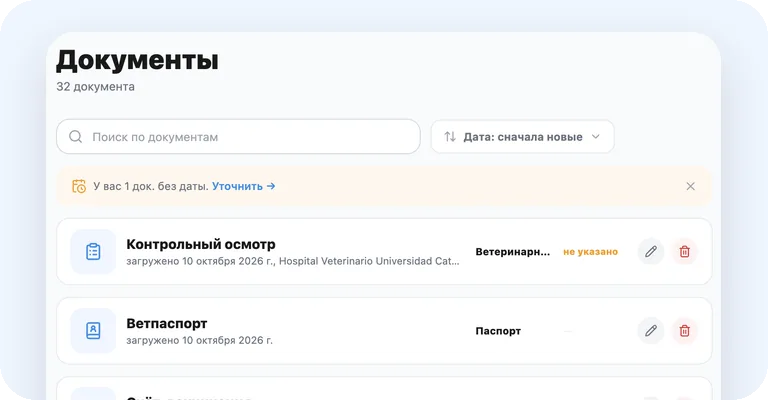
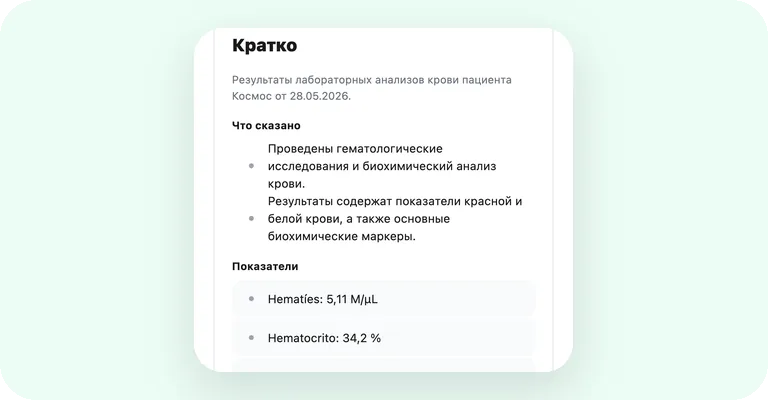
02. The routine work is already done
After upload, the service identifies the document type, date, clinic and vet, extracts passport details and vaccination records, and writes a short summary for lab results, vet reports and other documents. You can compare the result with the original and correct it.
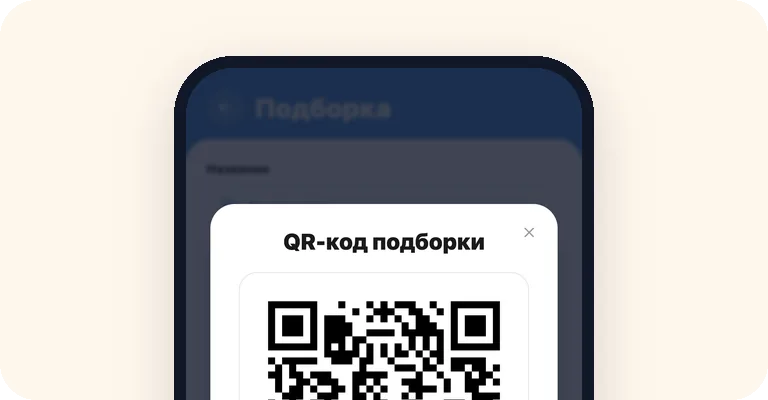
03. Originals ready to share
Gather the files you need into a pack and send them with a temporary link or a QR code. The recipient opens the documents without an account, and the whole pack can be downloaded as a single PDF or archive — for a vet, an insurance company or a second opinion.
For everyday care
What matters stays in view
SmallFriendFiles helps you keep track of medical history when you have several pets, move house or change clinics.
Important things at a glance
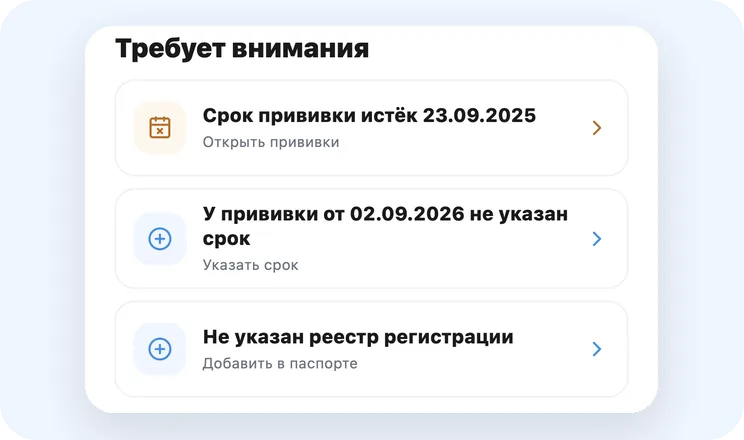
Home brings together due dates from your documents and missing pet details worth checking. Just open the app to see what's current.
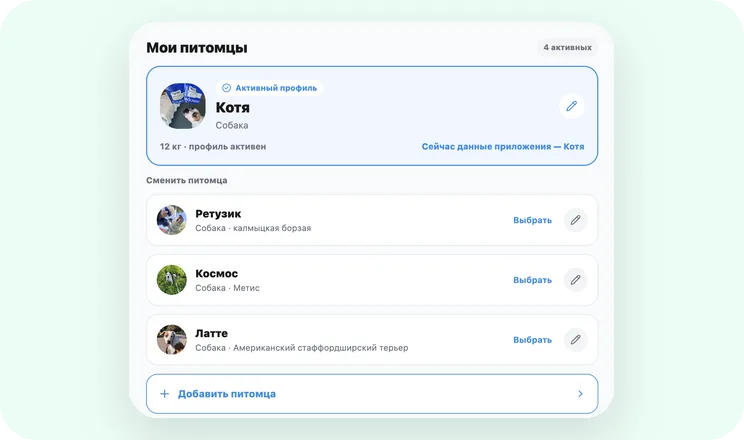
Every pet has its own history
Passport details, vaccinations, documents and packs are kept in a separate medical file. Each pet keeps its own clear history.
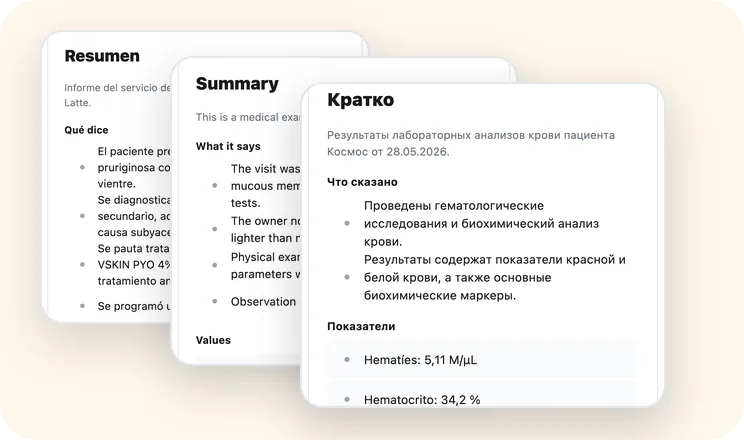
Work in the language that suits you
The interface is available in English, Spanish, Russian and Ukrainian. The short summary of a new document is written in the interface language you've chosen, and the original stays unchanged.
FAQ
Good to know before you start
What is SmallFriendFiles?
SmallFriendFiles is your pet's personal digital medical file. It organises the pet passport and medical documents, helps you find information quickly and makes working with the originals easy.
Which pets can I add?
In your profile you can add a dog, a cat or another pet. Each one gets a separate medical file with passport details, vaccinations, documents and packs.
How do documents turn into data?
The service reads the uploaded document and suggests ready-made data: type, date, clinic, vet, passport details and vaccination records. For lab results, vet reports and other documents it also writes a short, neutral summary. The original is kept alongside, so the result is easy to check and correct if needed.
How do I find a document?
Use search and filters by document type, period, clinic, vet, specialty or tag. From any result you can open the original straight away.
How do I send documents to my vet?
Select the files you need and create a pack. You can send it with a temporary link or a QR code, or download it as a single PDF or archive. The recipient doesn't need an account.
Which languages does the app support?
The interface is available in English, Spanish, Russian and Ukrainian. The short summary of a new document is written in the interface language selected at the time of upload. The original document is never changed.
How do I use SmallFriendFiles alongside the paper passport?
SmallFriendFiles builds a convenient record from your documents. The official pet passport is still the document you were issued — take it with you when travelling and show it when asked.
Who can access my documents?
Your full medical file is available only in your account. A public pack contains only the files you choose, and its link works for 30 days — you can revoke it sooner. The documents themselves may contain personal information, so check them before sending.
Does the service draw medical conclusions?
The service extracts facts from documents and writes a short, neutral summary. Diagnosis, treatment and the vaccination schedule are decided by your vet.
How much does SmallFriendFiles cost?
SmallFriendFiles is currently available as a free open beta. Terms for a future paid version will be published in advance.
Build your pet's medical file for free
Add your first document. SmallFriendFiles organises the data, keeps the original and gets it ready to search, check and share.